MenuItem Demystified
I’ve always been a bit confused as to what exactly the parameters to the MenuItem constructor do. Common practise for me, and others I assume, is to simply ignore the ordinal and priority parameters and override the Screen.makeMenu method to explicitly define order.
While this is effective, it has a few caveats:
- makeMenu gets messy
- separators must be added explicitly
- doesn’t play nice with context menu items added by framework
Simulator in Linux - Slightly More Reliable
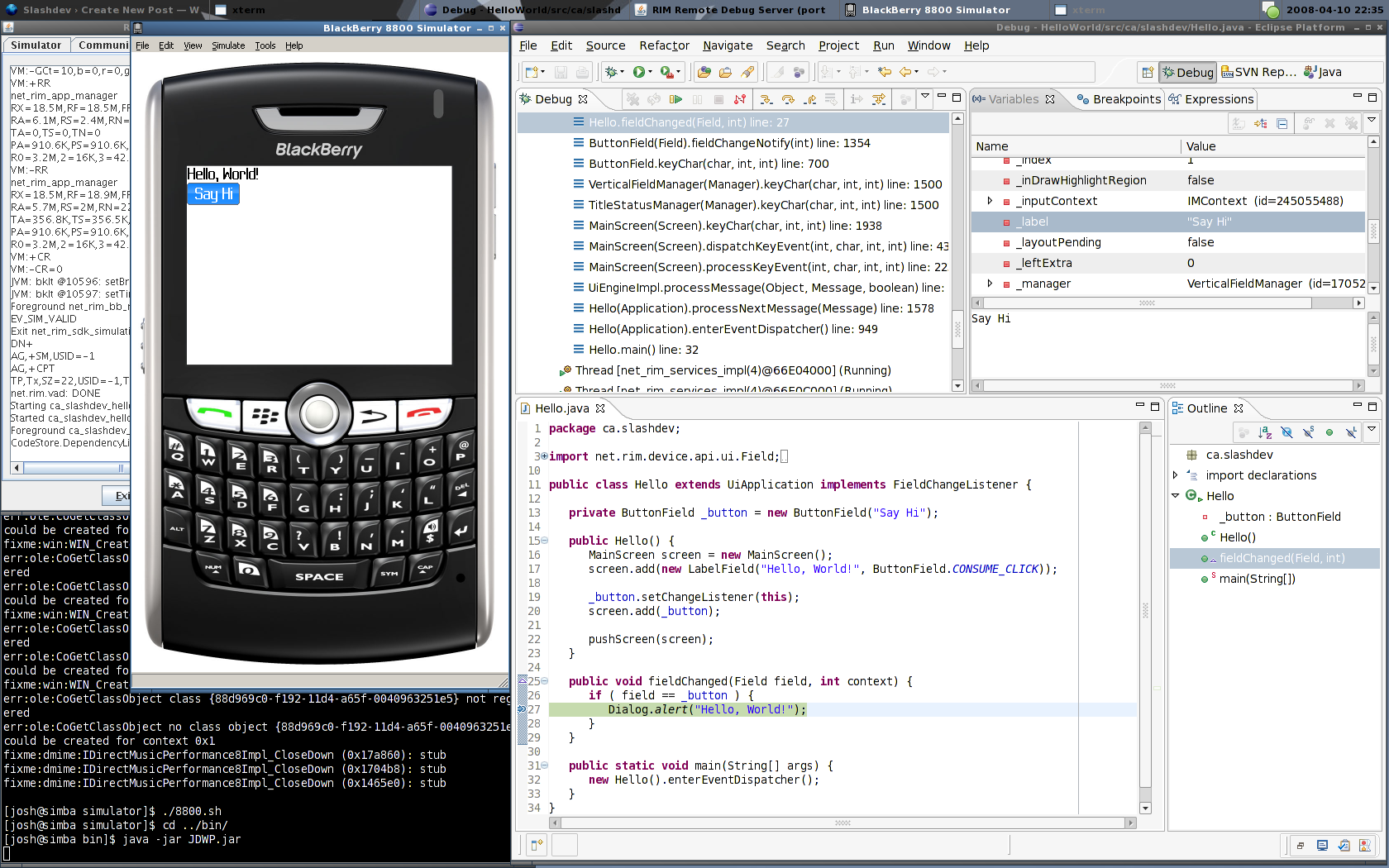
Disclaimer: I am not an expert with wine nor have I ever claimed to be. But if you setup an override for the msxml dll it seems as though the BlackBerry simulator is a bit more reliable in Linux. In fact, the JDWP seems to actually work for debugging your applications.
BlackBerry Development Using Linux
Now this process isn’t 100% ideal. If you are an experienced developer you probably already know you need four key components.
- Rapc compiler
- Signature tool
- Simulator
- Javaloader
The first two components works fabulously in Linux. The second (signature tool) needs a kick in the pants to work (shame shame shame!).
The third is hit or miss when using Wine. So a less painful option is to put windows in a virtual machine and run the simulator there (more on that later).
And the fourth I just can’t get past. There is the barry project which has made impressive progress in the last few months and lists javaloader support as on the roadmap for milestone 4. RIM, if you have any sympathy for us non-windows users show these guys some love and send them some specs for heaven sakes!
This article presents the basics for compiling, signing, and debugging BlackBerry applications with Linux.
MDS Simulator... in Linux
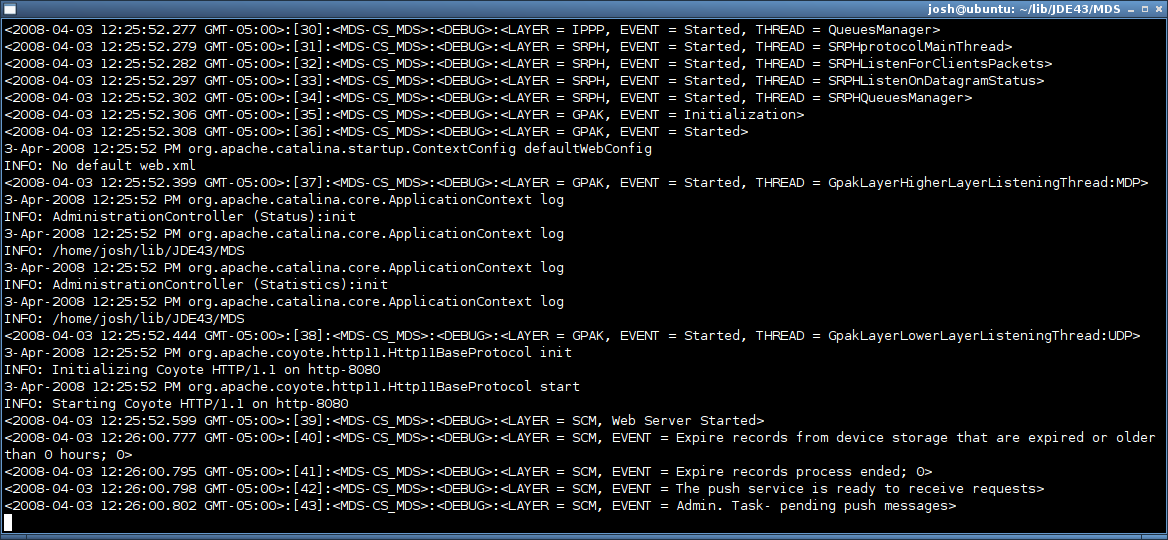
This was actually pretty trivial since the MDS simulator is pure Java, and a good portion of it is actually just Tomcat. Since Tomcat is not developed by RIM, the chances where pretty good that there where no hard coded backslash directory separators (no, I will never let that go) ;)
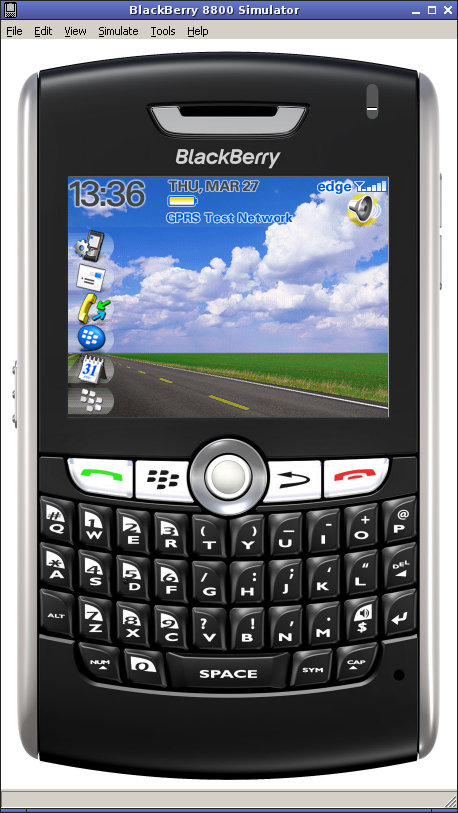
BlackBerry Simulator in Linux - Sort of
Call me crazy but I just can’t seem to accept that if you want to (or have to) write BlackBerry software you’re stuck with Windows. It bugs me.
There is good news and bad news regarding the simulator. The good news is with a recent version of Wine you can actually get the BlackBerry simulator to run. The bad news is that it’s a bit buggy, and debugging hardly works at all.
Using sigtool in Linux
Being obsessive and all, I decided to sit down and figure out why the signature tool doesn’t seem to work in Linux. After all it’s a rather trivial Java application. I suspected from the start that the symptom was some sloppy programming on RIM’s part, hard coding Windows style path names and my suspicion was correct. After modifying two class files and reassembling SignatureTool.jar the signature tool worked like a charm!
I don’t know what the legality is regarding redistribution of RIM’s development tools, specifically ones that have been modified so what follows is a description of the steps required to modify SignatureTool.jar to work in a Unix style file system (forward slash for directory separators).
Updated Arduino LCD Library
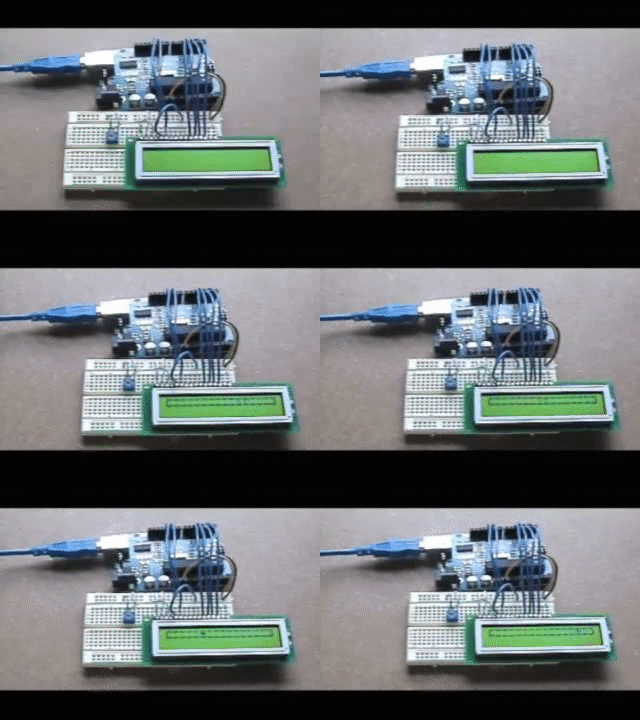
I received an email from Keith Neufeld (awesome electronics blog) about my Arduino LCD library with some tips on how to improve it. So over the weekend I dived in and did just that.
Specifically, this version removes the hard coded delays after each command is sent to the LCD and checks the LCD’s busy flag. This is a cleaner approach and should mean that the library works more reliably with various LCD modules (hopefully). The setup method has been cleaned up as well to make initialization by instruction just work without any hacks.
Of course, this does mean that the RW pin on the LCD must be connected to the Arduino instead of connecting to ground.
As before, see the Arduino LCD Library page to get the latest version of the code.
Arduino + HD44780 LCD Module
I’ve written a library for interfacing the Arduino with HD44780 based LCD modules. For now it lives here on my site, but if it’s popular enough it might need to move somewhere like the Arduino Playground.
Check out the Arduino LCD Library page for more details.
BlackBerry Development with Ant & Eclipse
In this two part series I’m going to try my best to describe how I use Apache Ant and Eclipse to write/debug software for the BlackBerry platform.
Top 5 Dream Jobs
So I’m watching High Fidelity and thought I would make a top 5 list of my own.
So top 5 dream jobs:
- Robot maker
- Prop maker for the movie industry
- Google Python developer
- Bar owner
- BlackBerry software developer
I don’t really want to be a BlackBerry developer but I had a hard time coming up with a 5th so I just put what I am currently doing (check out bbTv).